calibration
How to Add Supports to Resin Prints: Placement and Settings
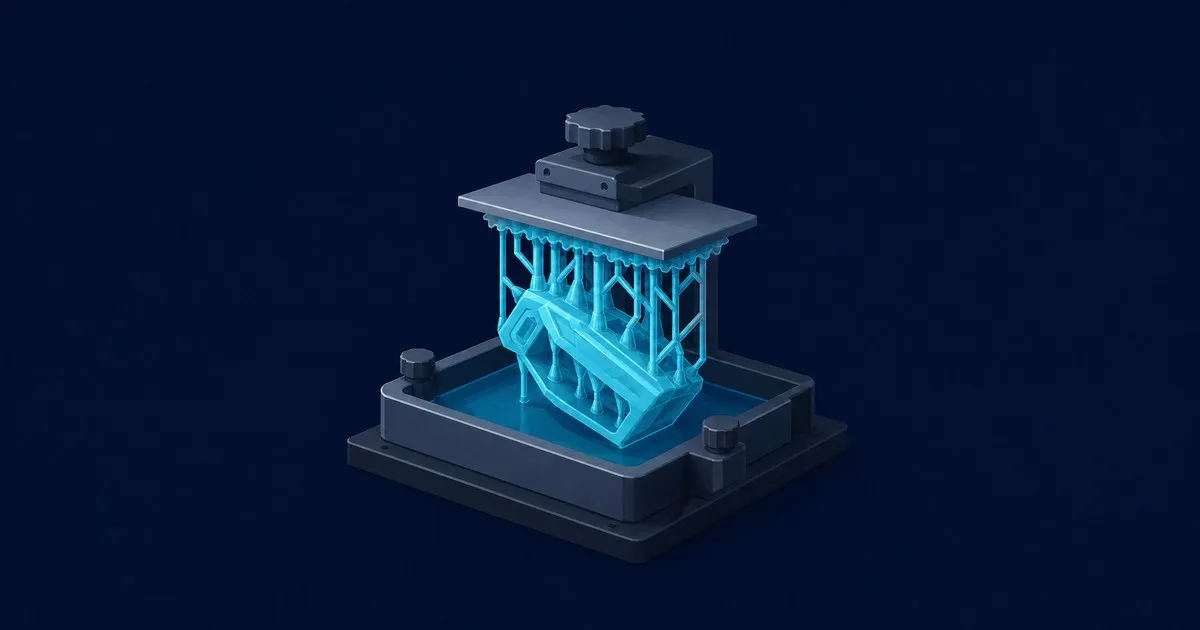
Where resin supports go and why: tilt angle, islands, auto versus manual placement, tip size and depth, with …
ResinPrintGuide covers SLA and MSLA resin printing from choosing a machine to finishing a usable part. Start with the process comparison if you are weighing resin against filament, then explore printer dimensions, miniature detail and the equipment a complete setup needs. The buying guides compare published specifications and explain how each choice affects the workflow around the printer.
For a printer already on your bench, the calibration guides cover normal exposure, layer height, resin temperature and support placement. Use the resin calibrator to explore starting values, then follow the exposure guide to check a profile with a stepped print. Troubleshooting articles distinguish a base that will not stick from layers that separate inside a model during printing.
After printing, follow the wash-and-cure guide through cleaning, drying and UV post-curing. Resin safety coverage includes protective equipment, ventilation, contaminated wash liquids and disposal planning. Each guide points to its source documentation so you can check the instructions for your own resin, printer and curing equipment before applying a setting.
Compare detail, materials, workspace and the full finishing workflow before buying a printer.
Run a stepped test and read the signs of too much or too little normal exposure.
Match the cleaning liquid and post-cure procedure to the resin you use.
Explore exposure starting values, then check them against your resin profile and a calibration print.
Solving a failed print? Start with resin not sticking to the build plate or resin print layer separation, depending on where the print failed.
Two baths of 95%+ IPA, a soft brush, flushed drain holes and a full dry before UV. Plus how to fix resin prints that stay tacky or turn cloudy.
Read the article →Where resin supports go and why: tilt angle, islands, auto versus manual placement, tip size and depth, with …
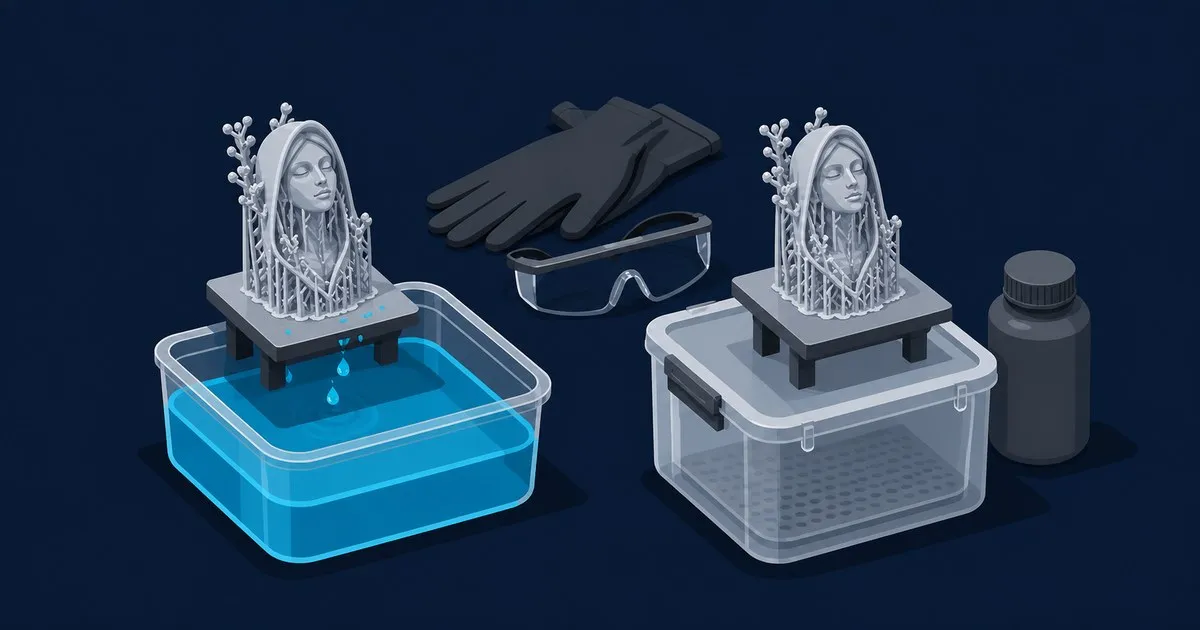
Compare water washable and standard resin by chemistry, wash workflow, strength, moisture sensitivity, and di…

Footprint first: compare five small resin 3D printer picks for miniatures by published dimensions, desk fit, …

Liquid resin and contaminated solids must be fully cured, while resin-loaded IPA goes to hazardous waste and …

A step-by-step guide to washing, rinsing, drying, and curing resin prints, with solvent choices, timing range…

Diagnose resin print layer separation during a print: check normal exposure, resin temperature, cross-section…